What Is Paint My Keyboard! 🎨? The Chill Roblox Game Everyone's Playing Right Now
Paint My Keyboard! 🎨 is the weirdly satisfying Roblox idle game with a 98% approval rating and over 23,000 concurrent players. Here's how it works, why it's blowing up, and whether it's worth...

#1 What Is Paint My Keyboard! 🎨?
Paint My Keyboard! 🎨 is an idle-style Roblox game where you paint the keys of a giant keyboard, collect cash from every key you color, then use that cash to unlock better paints, upgrade your roller, and expand the keyboard itself. That's essentially the whole thing — and somehow it's one of the most satisfying gameplay loops on the platform right now. It sounds almost too simple, but that's exactly the point.
How It Actually Plays
The core loop is tighter than it looks. You start with a basic roller and a small section of keyboard keys. Roll over a key, it gets painted, it starts generating cash. The more keys you paint, the faster the money flows. Spend that cash on a better roller that covers keys faster, or unlock new paint types that might generate more income per key. Then the keyboard gets bigger, and the whole cycle scales up.
It's not a game that demands your full attention — you can half-watch a video while playing and still feel like you're making progress. But there's just enough decision-making (do I upgrade the roller first, or push to expand the keyboard?) to keep your brain lightly engaged. The visual payoff is a big part of it too. Watching a drab grey keyboard slowly fill up with color, key by key, is genuinely pleasing in a way that's hard to explain until you've done it for five minutes.
The room fits up to 8 players, and seeing other people's colorful keyboards nearby adds a low-key competitive edge — nobody wants to have the plainest board in the server.
Why It's Rising Right Now
The numbers here are hard to argue with. Paint My Keyboard! 🎨 is sitting at 23,114 concurrent players and has racked up 7,119,479 total visits — solid traction for a game that's built around something as niche as painting a keyboard. More telling is the approval rating: 98%, with 52,144 upvotes against just 1,048 downvotes. That kind of ratio is rare on Roblox at any scale, and it tells you the people playing it are genuinely enjoying it rather than rage-visiting from a viral video.
The game was last updated on June 25, 2026, so it's actively maintained — the developer studio, sooo satisfying!, clearly isn't letting it coast. Nearly 99,000 favorites also suggest a lot of players aren't just dropping in once; they're bookmarking it to come back. When a chill game gets favorited at that rate, it usually means it has genuine replay value or a solid progression system that keeps people returning to see what's next.
Part of the appeal is timing. Roblox in mid-2026 has no shortage of intense combat games and obby grinders, which makes a genuinely low-pressure experience stand out. Paint My Keyboard! 🎨 is that game you load up when you want to be on Roblox without necessarily trying at anything.
Getting Started: 5 Tips for New Players
1. Paint every key before you spend anything. Your first instinct might be to upgrade right away, but finishing your initial keyboard section first gives you a complete cash flow before you touch the shop. More painted keys = more passive income to snowball from.
2. Prioritize the roller upgrade over paint unlocks early on. A faster roller means you repaint keys (and collect cash) much quicker. Better paint types matter more once your keyboard is big; in the early game, speed wins.
3. Don't ignore the expand button. Expanding the keyboard feels expensive at first, but each new section multiplies your total income. If you're feeling stuck, expanding is almost always the right call over buying the next paint tier.
4. Let it idle for a bit. This is an idle game at heart. If you've painted everything in reach and you're waiting on cash, just let it run. Go do something else for a few minutes and come back to a full wallet. Fighting the idle loop is the wrong play.
5. Check the other players' boards. It sounds minor, but looking at what a fully upgraded keyboard looks like on someone else's screen is actually useful — it shows you what the progression target looks like and gives you something to aim for before the server refreshes.
Who Should Play It (And Who Probably Won't)
If you like games with satisfying progression, visual payoff, and zero stakes, this is your thing. It's perfect for winding down, for playing in the background during a call, or for those sessions where you want to be doing something without committing to a match or a grinding session. It also works great solo — you don't need friends to enjoy it, though having someone else in the server to compare keyboards with adds a fun passive rivalry.
If you need action, PvP, narrative, or anything resembling a challenge, skip it. Paint My Keyboard! 🎨 makes no apologies for being low-effort by design. There's no combat, no timer pressure, and no fail state. That's a feature, not a flaw — but it's not for everyone.
Verdict
Paint My Keyboard! 🎨 is the kind of game that earns a 98% approval rating because it does one small thing and absolutely nails it. The progression is just engaging enough to keep you tapping away, the visual feedback is satisfying in a way that taps into something almost ASMR-adjacent, and the low-pressure environment is a genuine relief. It's not trying to be your main game — but as a secondary tab or a chill session filler, it's close to perfect right now.
Related reads
More roundups from the Rokoala desk:
More in Spotlights
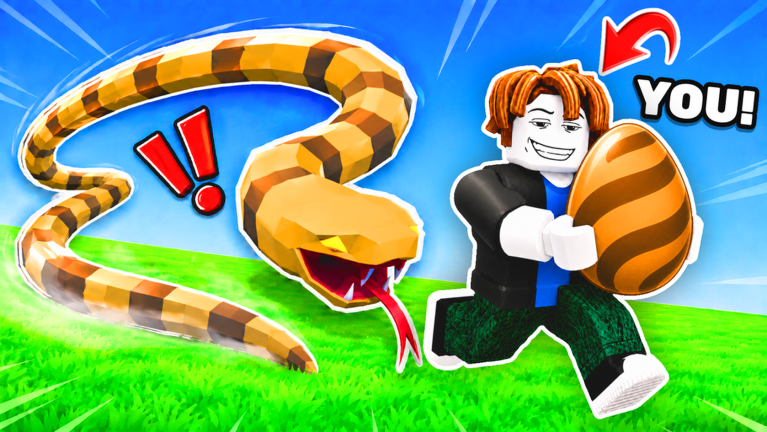
What Is Steal An Egg on Roblox? Everything You Need to Know
Steal An Egg is blowing up on Roblox with nearly 83K players live right now. Here's how it actually plays, why it's trending, and whether it's worth your time.
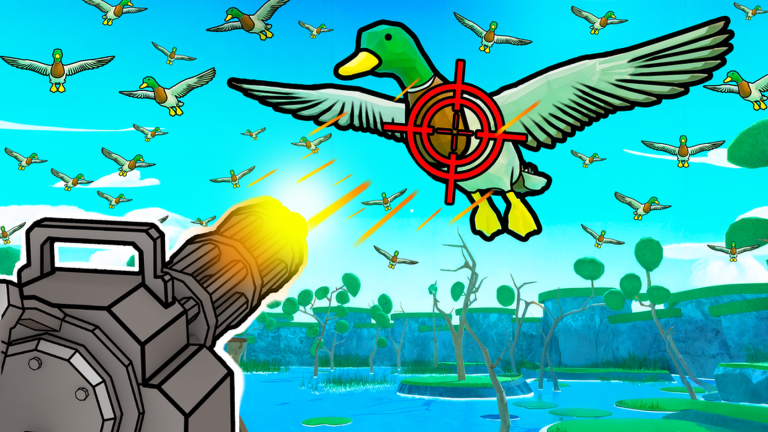
What Is Catch 1 Billion Ducks? The Roblox Hunting Game Everyone's Talking About
Catch 1 Billion Ducks is a Roblox duck hunting game with nearly 5 million visits and a 97.8% approval rating. Here's how it plays, why it's blowing up, and whether it's worth your time.
![What Is [UPD]Brisket Survival? The Giant-Chase Roblox Game Everyone's Talking About](https://tr.rbxcdn.com/180DAY-1e105b3dc05e7932feb36cef7b5ad029/768/432/Image/Png/noFilter)
What Is [UPD]Brisket Survival? The Giant-Chase Roblox Game Everyone's Talking About
A deep dive into [UPD]Brisket Survival — the Roblox hide-and-escape game where a giant named George Cooper hunts you down. Here's how it plays, why it's blowing up, and whether it's worth your time.